Windows 10/11 · needs OBS 30+ · your keys stay on your PC
The first 300 accounts get Pro free - forever. 300 spots left!Claim yours →
Everything a streamer needs
One app next to OBS. Talk to it like a friend - it does the work.
AI assistant
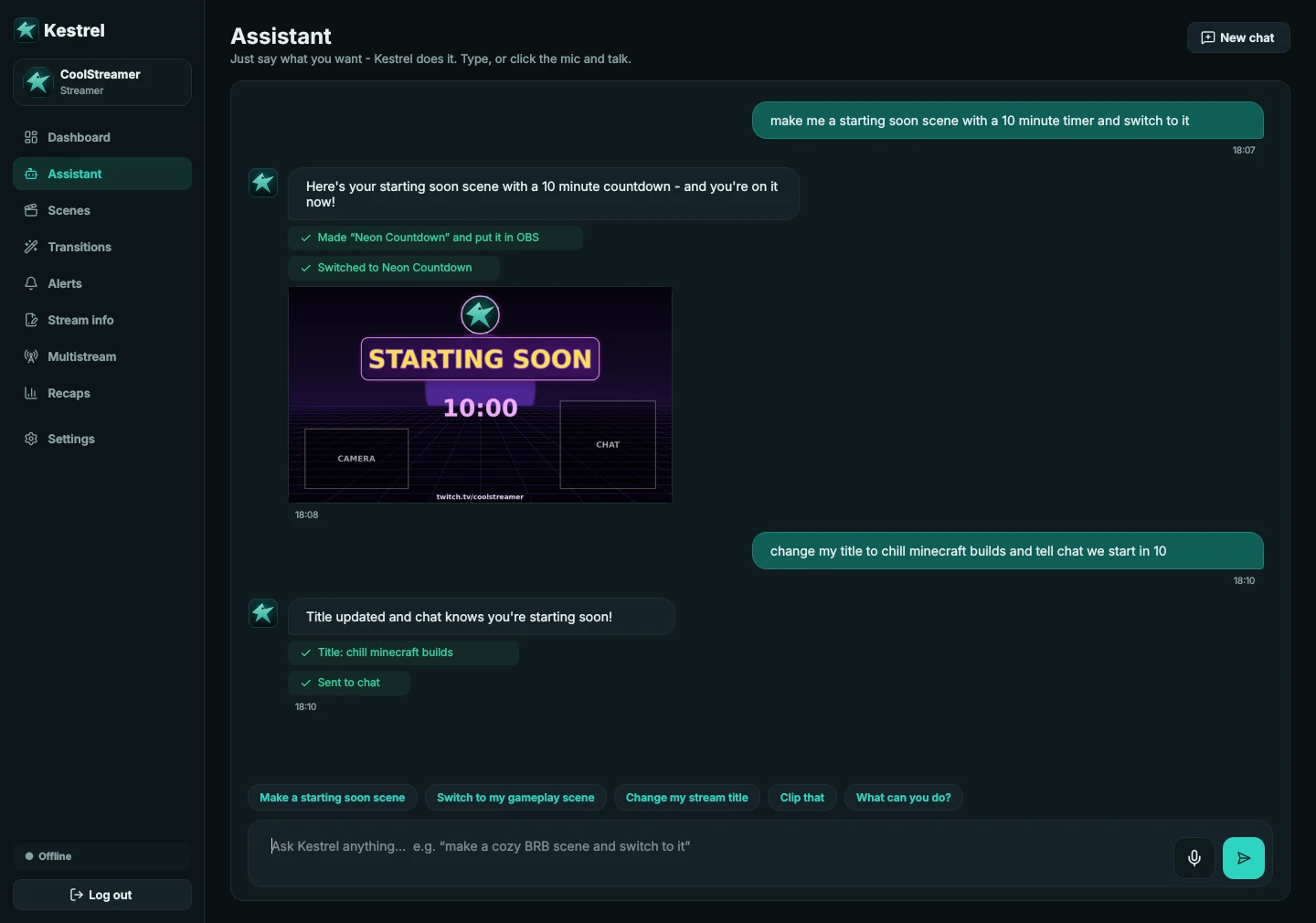
Type or talk: “make a cozy BRB scene and switch to it”, “change my title”, “clip that”. Copila does it.
Real OBS scenes
Describe any scene - Copila builds it from real OBS sources: photos, text, frames, timer, camera, chat.
Edit by chatting
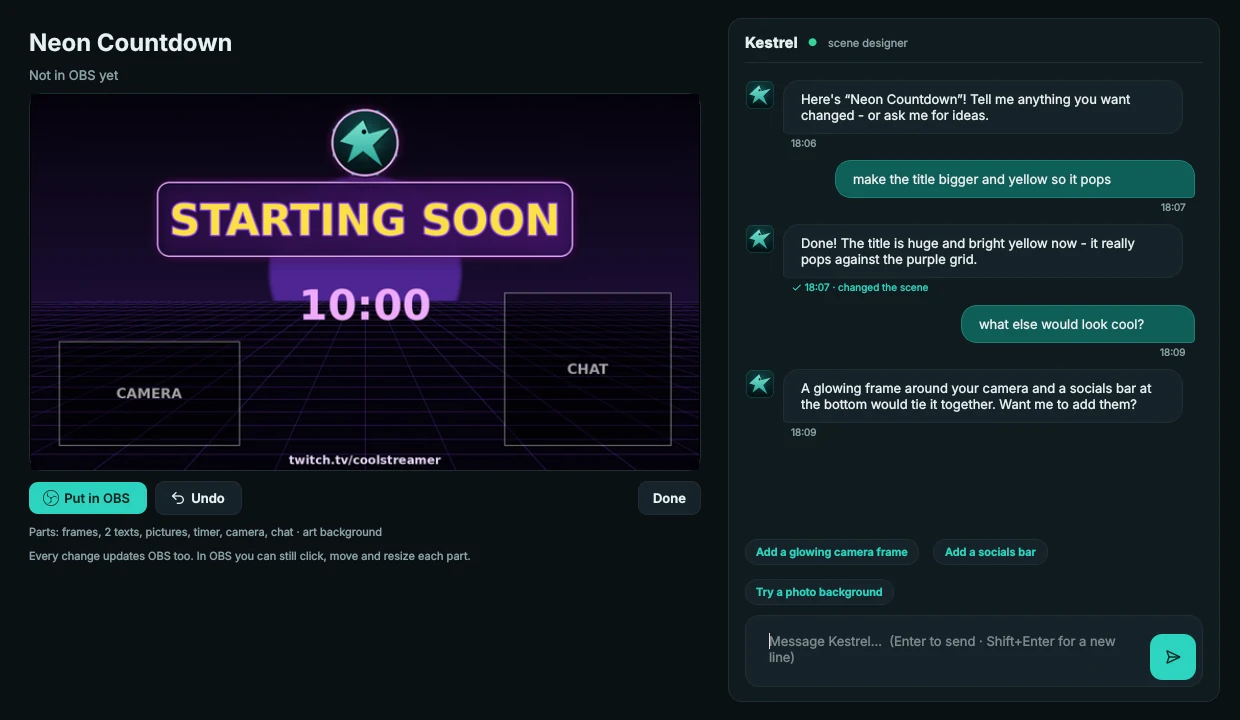
“Make the title bigger”, “new background”, “add my socials” - the scene changes in OBS while you talk.
Design library
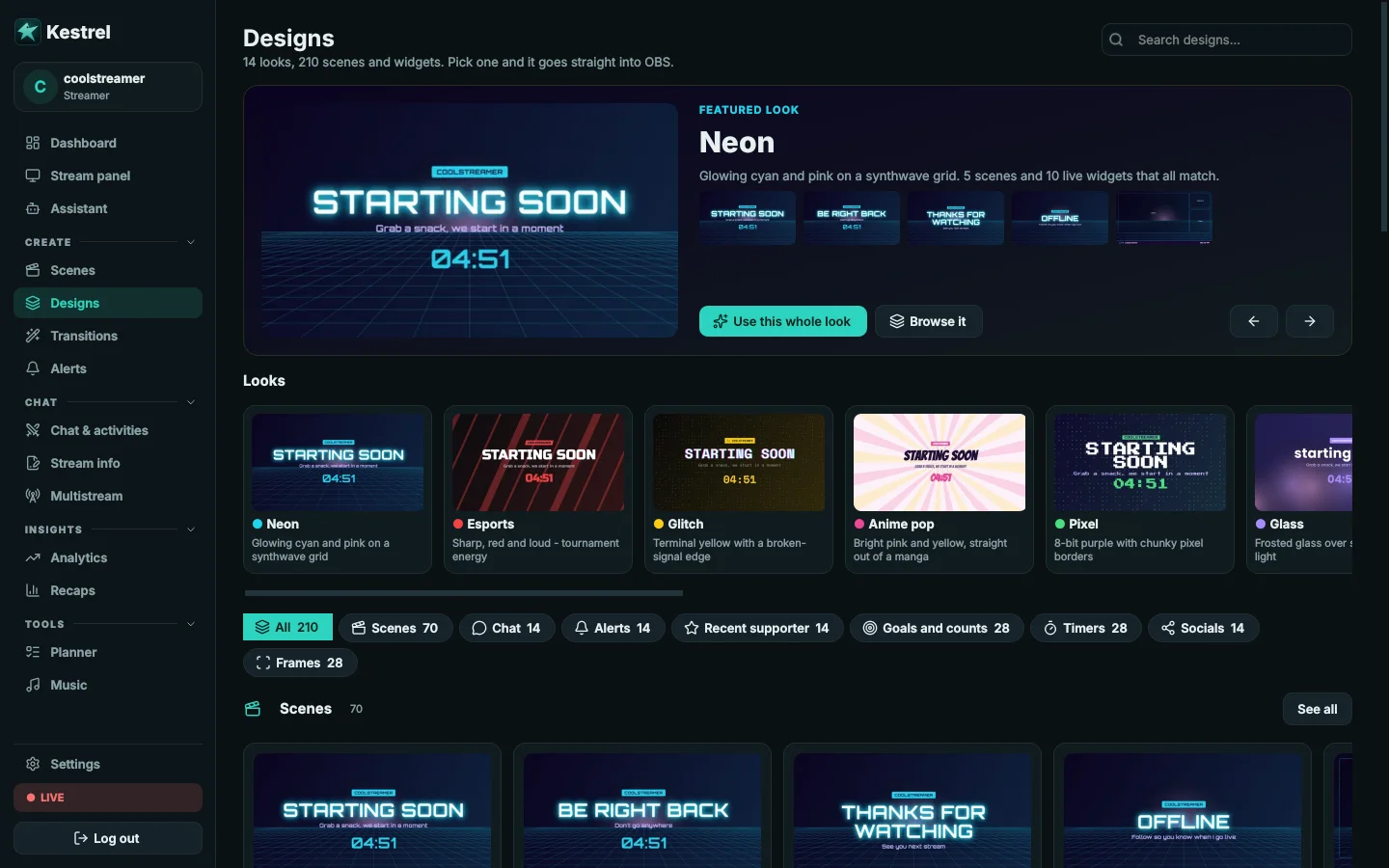
14 looks with 210 ready-made scenes and live widgets - chat, alerts, goals, timers, socials, cam frames. One click puts them in OBS.
Stream panel
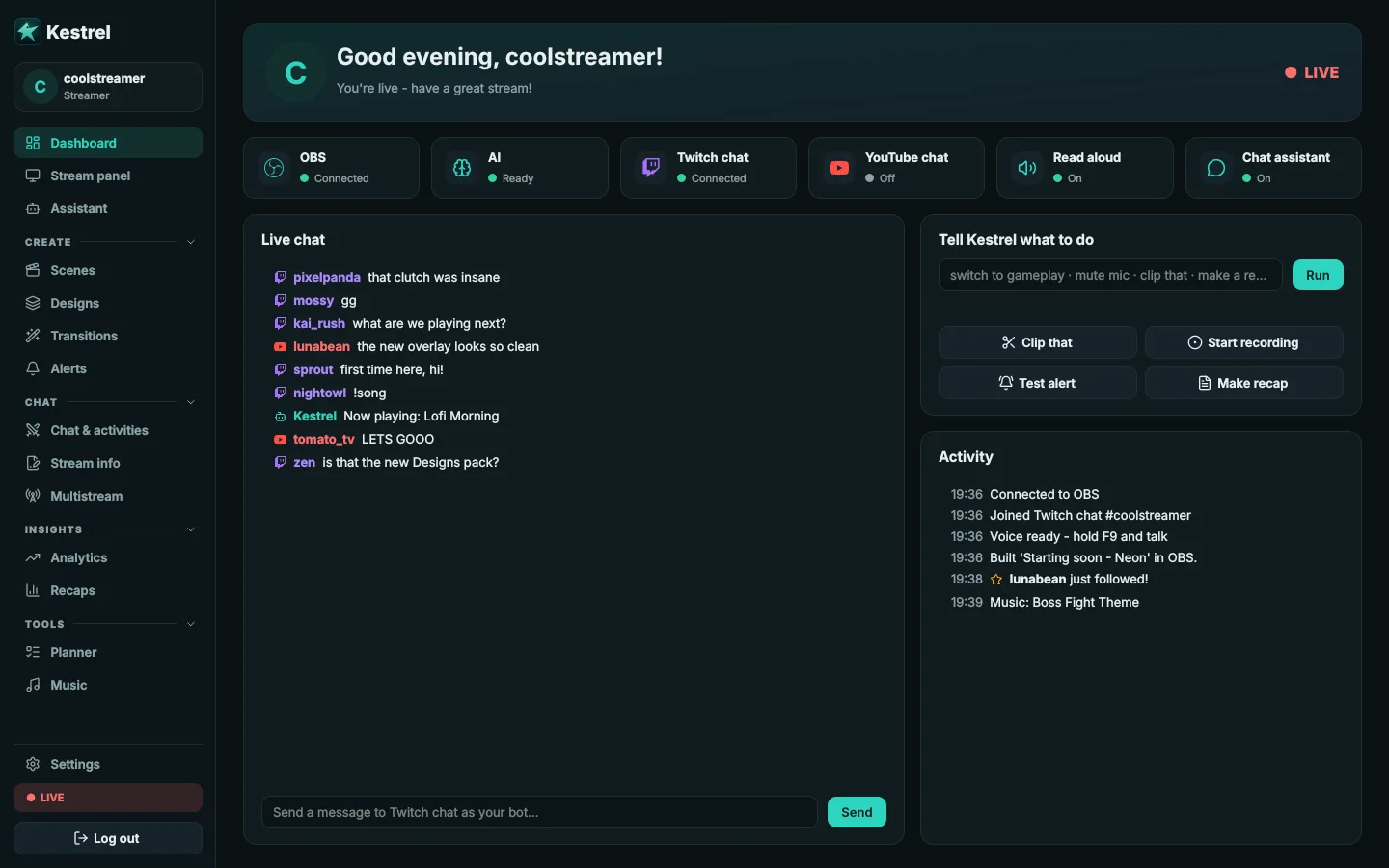
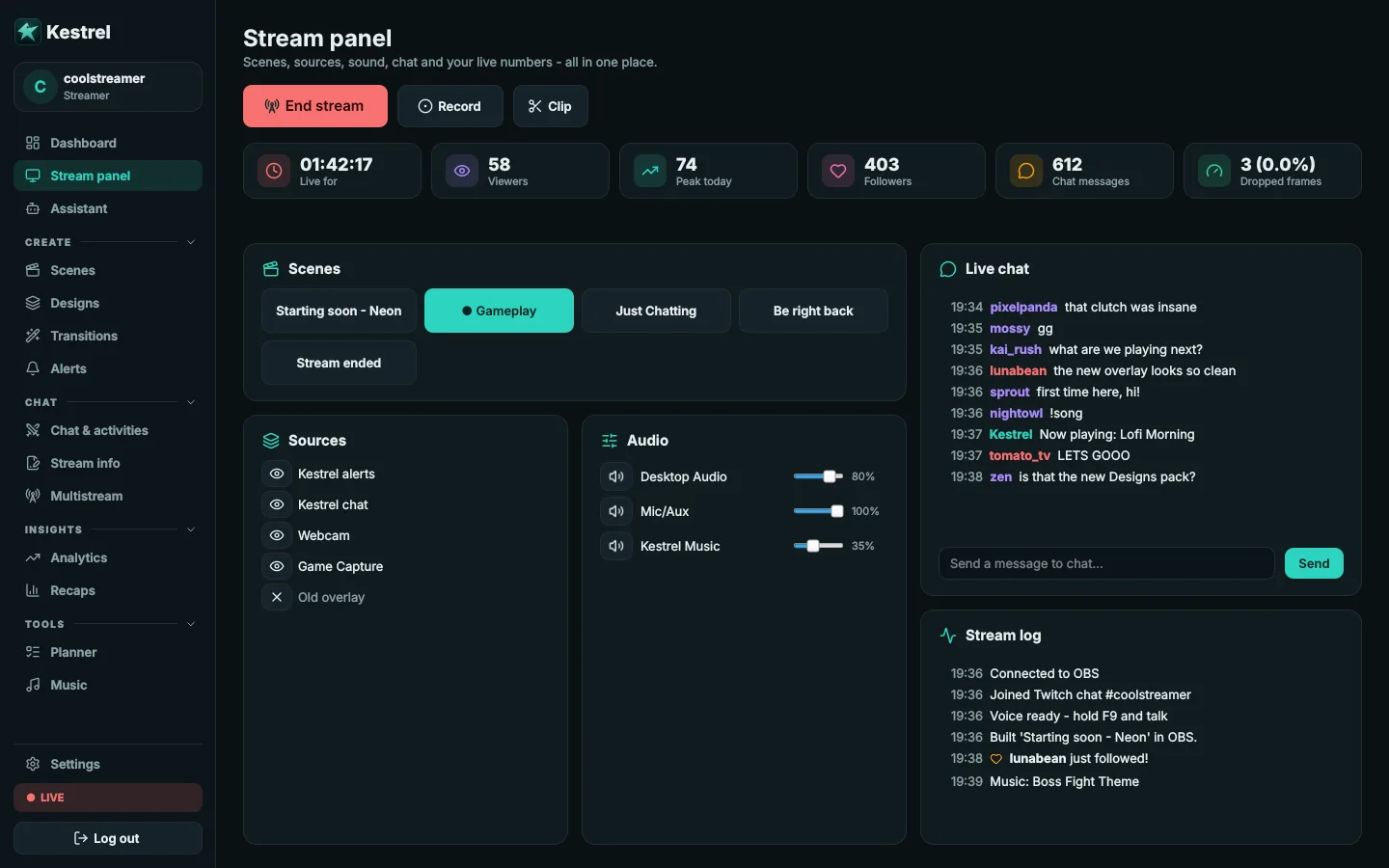
Scenes, sources, audio, Go live, record, clip, live numbers and chat - everything you touch while live, on one screen.
Chat & activities
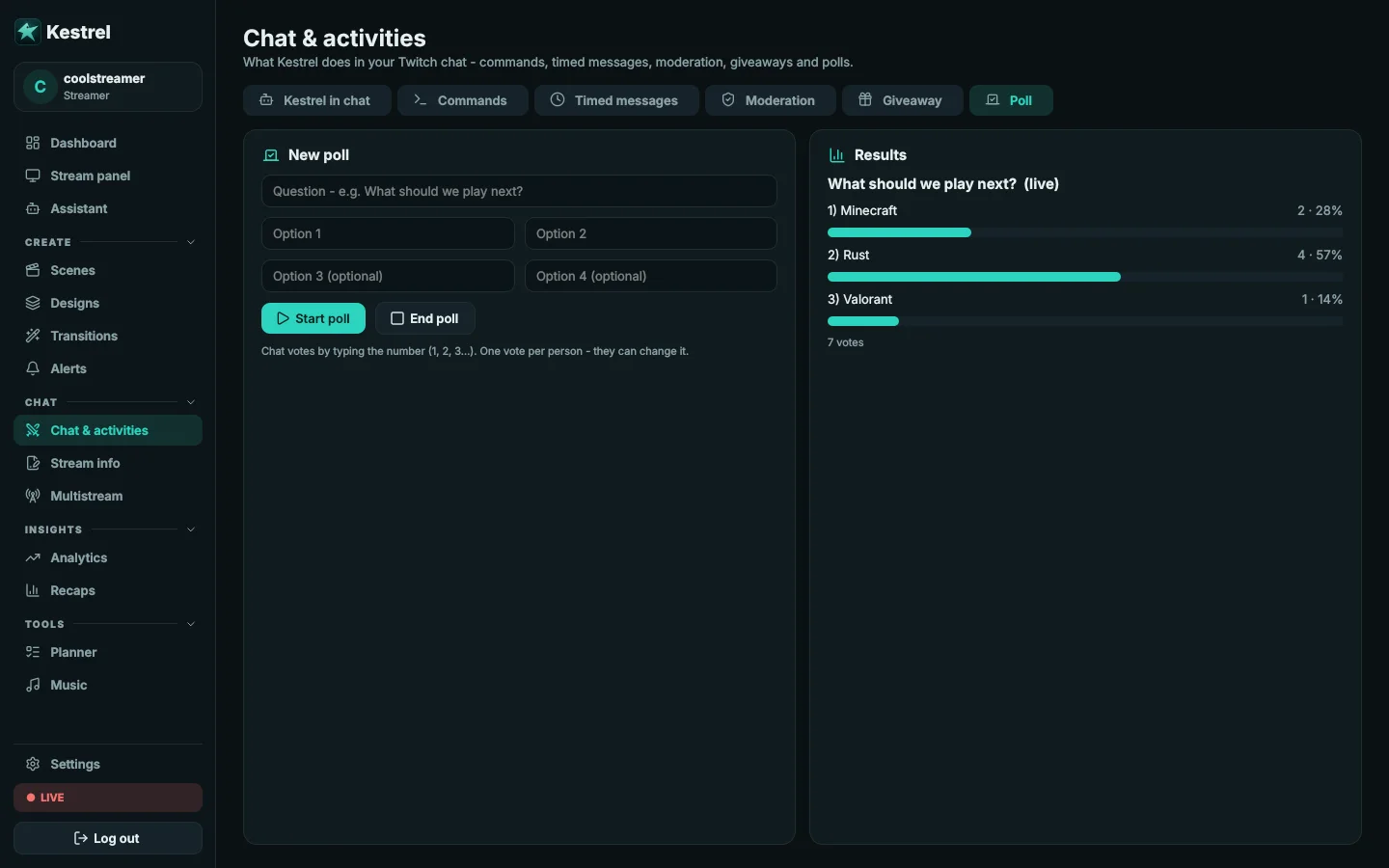
!commands, timed messages, auto-moderation, giveaways and polls your chat votes in.
Analytics
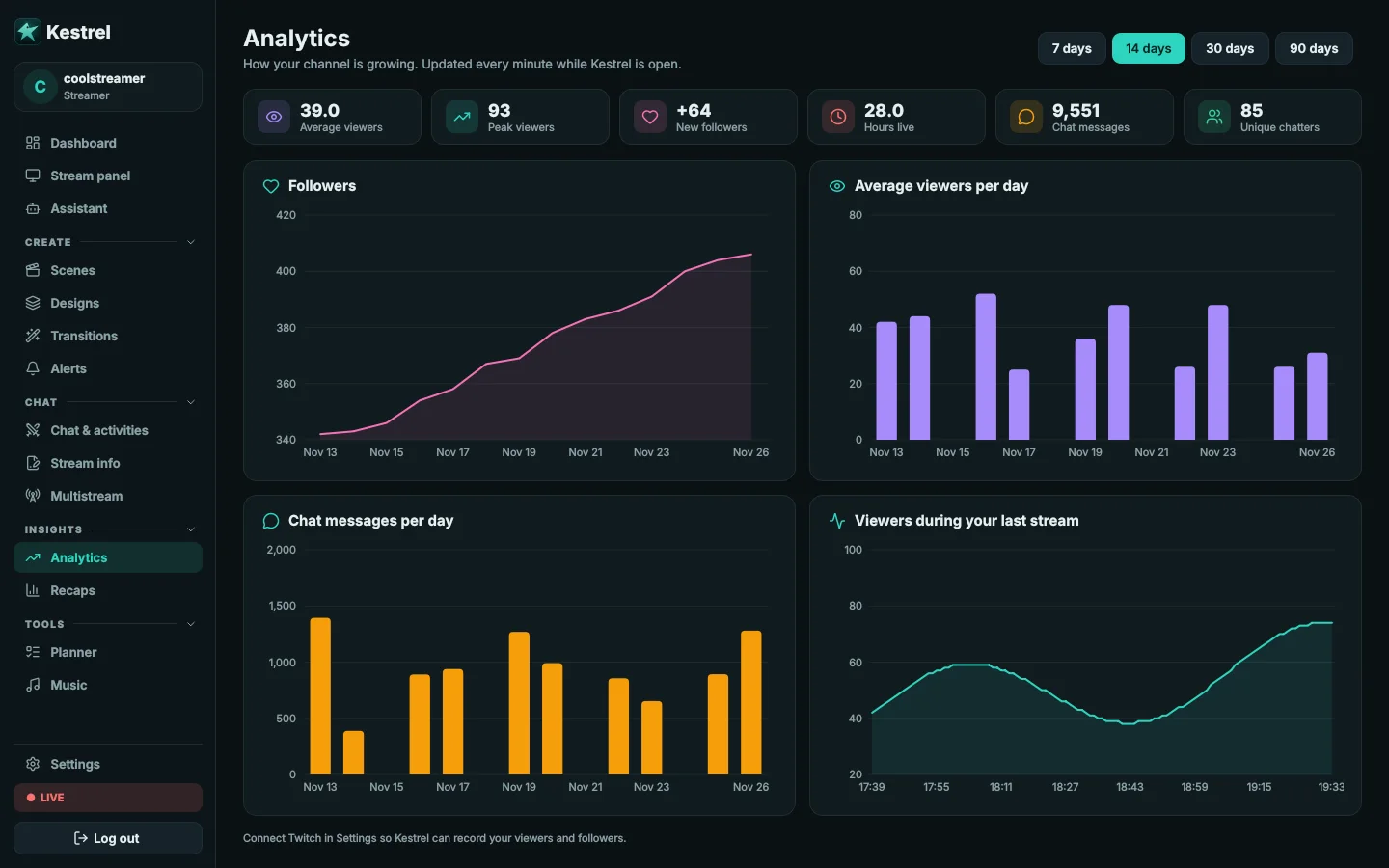
Viewers, followers and chat over days and weeks, plus a viewer graph of your last stream.
Music
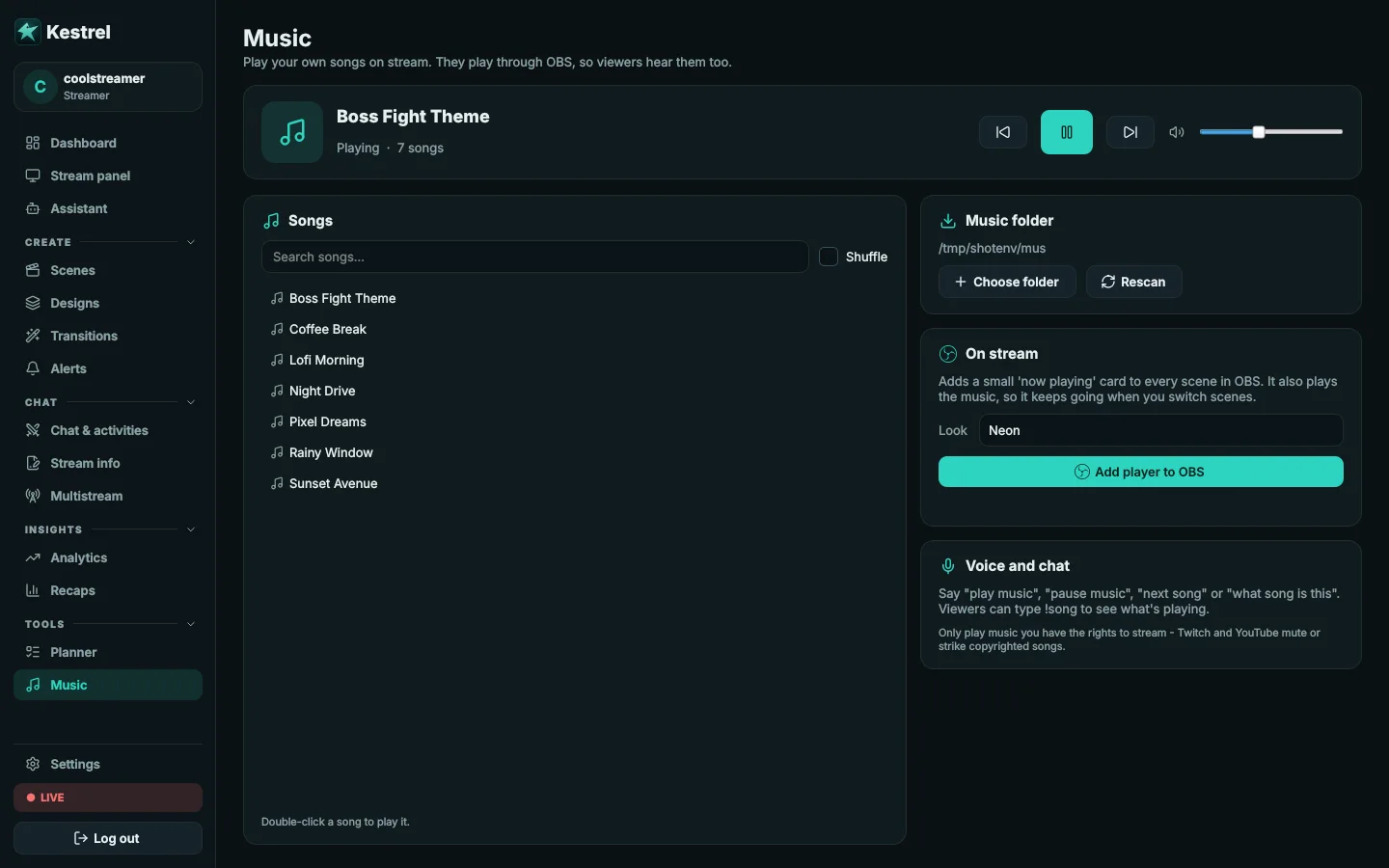
Play songs from your own folder on stream with a “now playing” card. “Next song” works by voice too.
Planner
To-dos, notes and reminders. “Remind me in 10 minutes to drink water” - Copila says it out loud.
The notch
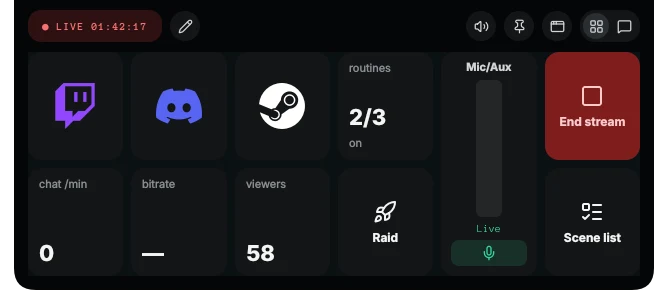
A bar that drops down from the top of your screen - Go live, scenes, mic, raid and your apps, even over a game.
Voice control
Hold a key and say “switch to gameplay”, “mute mic” or “clip that” - works while you play.
Chat assistant
Viewers ask @copila anything and it answers in chat, in your stream's style.
Custom transitions
Animated stingers with your name and profile picture, made in seconds.
Multistream
Go live on Twitch and YouTube at the same time from one OBS - no extra upload service.
Alerts
Follows, subs, raids and cheers pop up on your scene and get a thank-you.
Stream recaps
After every stream: chat stats, busiest moments, top chatters and an AI summary.
Stream info
Change your Twitch title, category and tags without leaving the app.
Private by design
Keys, tokens and designs stay on your PC. Log in once with your Copila account.
New
Just tell it what you want
The Assistant is a chat (with a mic button) that runs your whole stream setup. Make scenes, switch scenes, post in chat, change your title, write a recap - in one sentence. It shows what it did, with a picture of every scene it makes.
Every scene is built from real OBS sources you can still move by hand. Then chat with Copila to change anything - it updates OBS live, suggests ideas, and Undo is always one click away. Uses your profile picture's colors, free stock photos or its own art.
Pick a look - Neon, Esports, Anime pop, Pixel, Cozy, Retro CRT and more - and get a full set: Starting soon, Gameplay, Be right back, Ending and Offline scenes, plus a chat box, alerts, goals, timers and socials that all match. Everything updates live while you stream.
The Stream panel shows your scenes, sources and audio next to your live chat, viewers, followers, bitrate and dropped frames. Go live, record or clip with one click.
Playing full-screen? Move your mouse to the top of the screen and the notch drops down with the buttons you need.
Grow your community
Keep chat busy and see what's working.
Polls, giveaways, commands and moderation Analytics over time Music on stream
Ready for your next stream?
Download Copila and a simple setup guide gets you ready in about 5 minutes.